

All games
TriPeaks
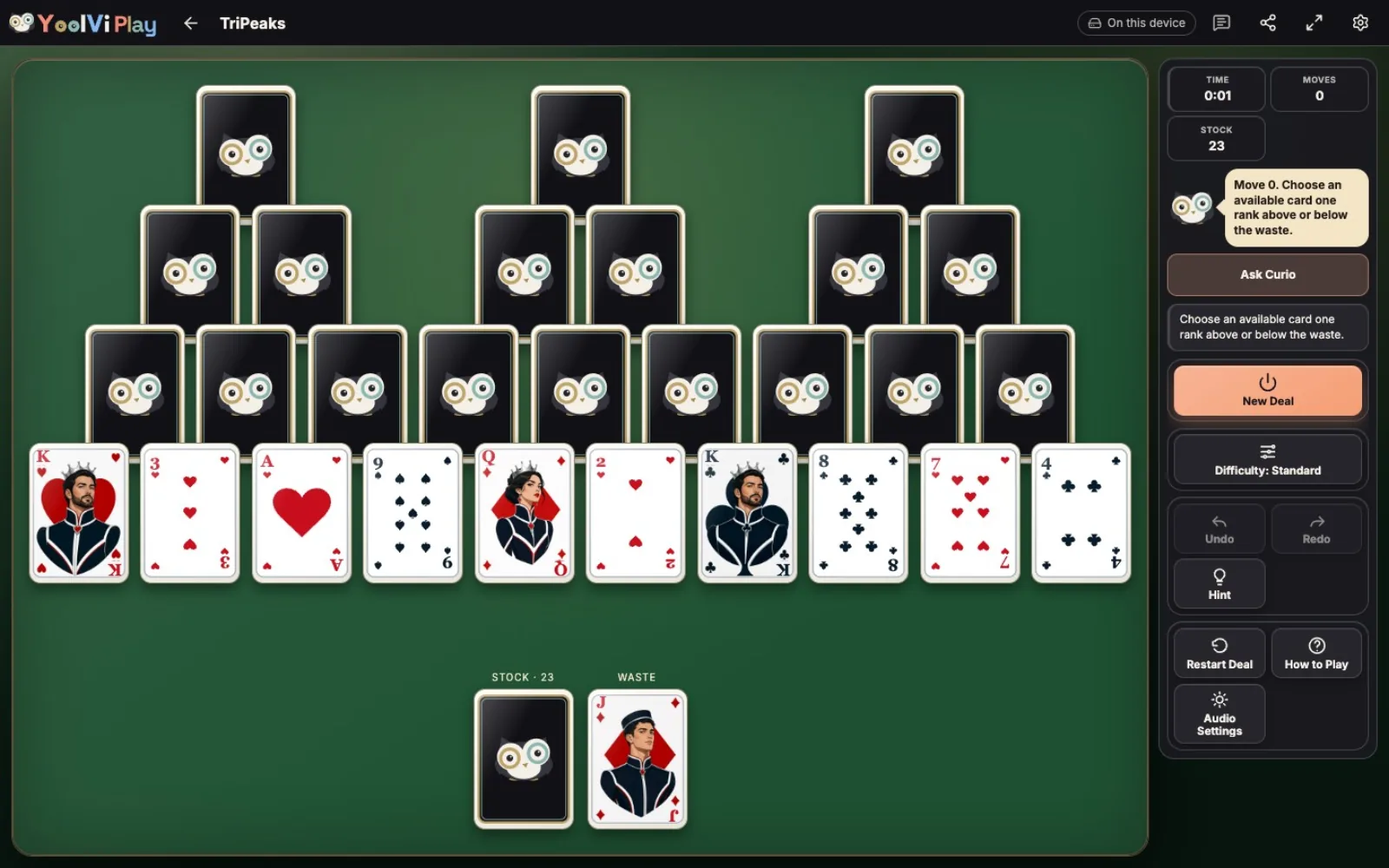
Clear three peaks of cards by choosing a card one rank higher or lower than the last.
7 min · Easy
Start a solo game. You can review the controls before your first move.
How to play
Goal
Clear all three peaks by playing exposed cards one rank above or below the waste.
- Which cards can I play?
- Select an available card one rank above or below the waste. Click, tap, or use Tab and Enter. A selected card becomes the new waste top. The normal layout contains three overlapping peaks. Six is one rank above Five. Suit and color do not affect this run. Four is one rank below Five. You may change direction throughout a run.
- How do I uncover the peaks?
- Removing both covering cards exposed the peak card and automatically turned it face up.
- How does the stock work?
- The stock draw changed the waste top, making the Nine available for the next step of the run. Stock is dealt once: there are no redeals. Covered waste cards are not separately selectable. You cannot move cards between peaks or fill cleared places.
- Do Aces connect to Kings?
- This TriPeaks implementation allows Ace–King wrapping, as well as Ace–Two.
- How do I win or lose?
- Removing every tableau card wins even if stock remains. If stock is empty and no available card can continue the run, you lose. The shipped game tracks moves and cards left; it has no streak-point scoring. The run went Five → Six → Seven → Six, removing every remaining tableau card.
- What changes with difficulty?
- Relaxed, Standard and Challenge select separate pools of at least 100 verified solvable deals per supported suit count. Relaxed favors more straightforward routes, Standard calls for more planning, and Challenge favors more demanding choices or rearrangements. Hint, Undo and Redo remain available at every solo level. Changing difficulty starts a new rated deal; older saved deals are unrated. Exact portal challenges keep their fixed deal and assistance restrictions. Ratings are a pilot for player feedback.
Controls & accessibility
Some reading · Best on phone, tablet, computer, TV
KeyboardReady to use
MouseReady to use
TouchWhen available
ControllerGamepad ready
Fullscreen: Supported
Accessibility
Features available in this game
Screen readerNot available
High contrastAvailable
Reduced motionAvailable
CaptionsNot needed for game sounds
- Reviewed for keyboard names, larger text, contrast, motion, and non-audio instructions.
About
Account saving: Cloud unavailable.
- Version
- 0.1.86
- Developer
- YoolVi Play
- Content rating
- Everyone