

All games
Sudoku
Settle into a number puzzle at your own pace. Choose from four difficulty levels, with hints when you need a hand.
15 min · Variable
Start a solo game. You can review the controls before your first move.
Guides & strategy
Worked examples and ideas to try in your next game.
How to play
Goal
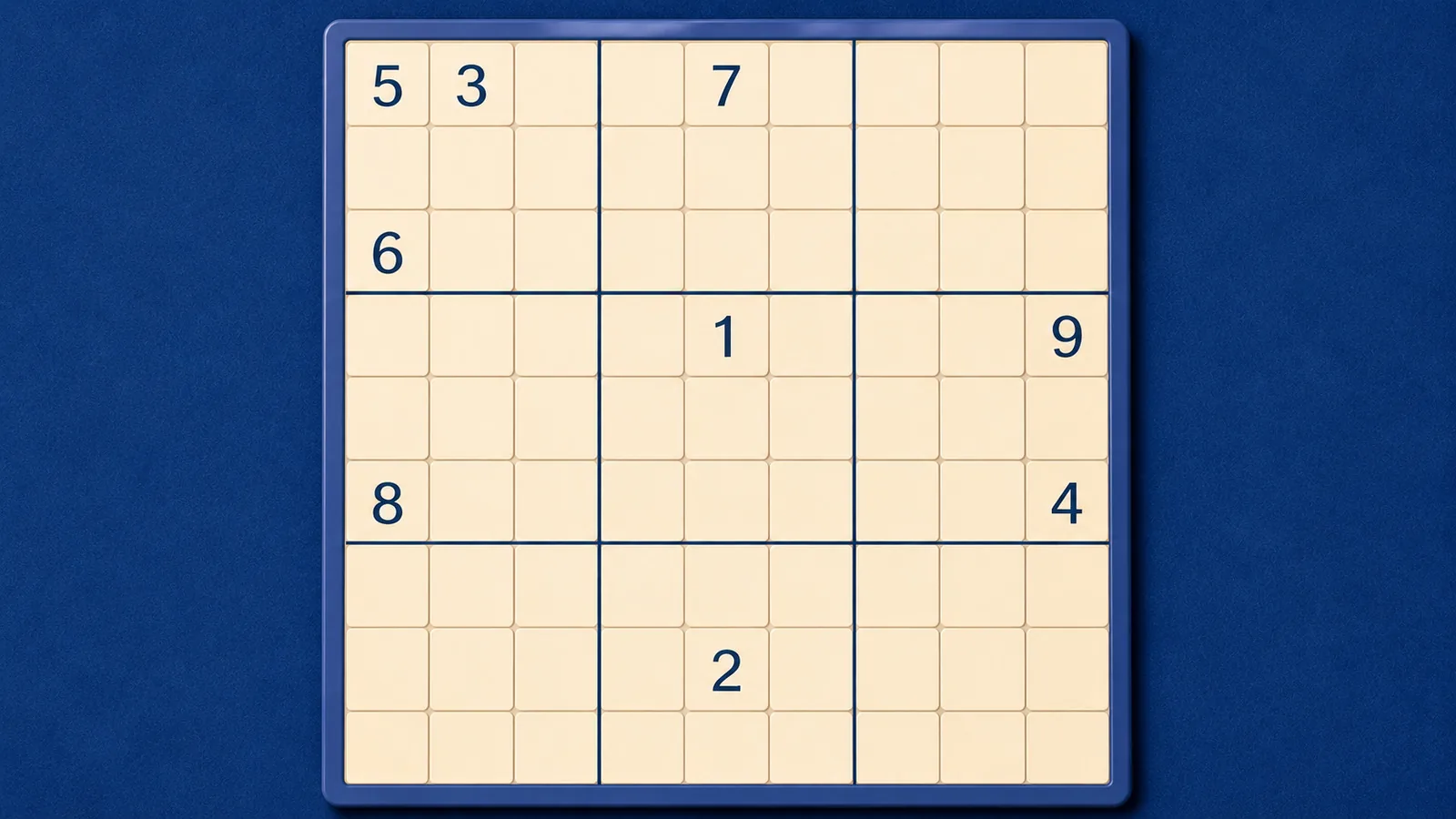
Fill the grid so every row, column, and 3×3 box contains 1 through 9 exactly once.
- What makes a correct Sudoku?
- Every row, column and outlined 3 by 3 box contains 1–9 exactly once. Given clues cannot change. A digit must obey all three units, including when a row or box still has several gaps. The engine wins when all 81 squares are filled without a conflict.
- How do I enter or erase digits?
- Choose a square, then use keys 1–9 or the number pad. Arrows or WASD move selection. You can also select a digit first and then its square. The pad counts remaining copies. Erase or Backspace clears your entry; givens stay fixed.
- How do notes work?
- Notes record possibilities without filling a square. Choose Notes or press C while on the grid; repeat a note to toggle it off. Pen entry clears that square’s notes and removes the same candidate from its row, column and box peers. Autofill Notes calculates possibilities from visible constraints without solving cells.
- What does error feedback mean?
- Show Conflicts marks duplicate digits. A wrong answer can avoid duplicates and still be wrong. Check Cell compares the selected entry with the answer; Check Answer checks all entries. Autocorrect can provide that feedback after entry. You can edit mistakes, and there is no mistake limit. Undo and Redo restore entries and candidate notes.
- What do normal hints do?
- Normal Curio hints explain a deduction without entering it. Supported methods include singles, locked candidates, pairs, triples, X-Wing, XY-Wing, coloring and contradiction chains. If no supported safe deduction is available, Curio says so. Practice hints describe the current task.
- What changes with difficulty?
- The constraints stay the same. Normal Easy puzzles start with 40–45 clues; Medium with 30–34, Hard with 25–29 and Expert with 22–26. Prepared practice positions are small examples rather than representative full puzzles.
- How do I restart or choose a puzzle?
- Restart clears your entries and notes while preserving givens. New Puzzle changes the puzzle. Puzzle number plus difficulty reproduces a board. Portal challenges fix these settings and disable Hint; shipped Undo remains available. Restart Step affects only disposable practice.
- Is there a time or points target?
- There is no points target, time limit or mistake limit. Normal records track time, mistakes, hints, undos and best times. Pausing or hiding the page stops the solving timer. Practice leaves normal saves and records unchanged.
Controls & accessibility
No reading needed · Best on phone, tablet, computer, TV
KeyboardReady to use
MouseReady to use
TouchWhen available
ControllerGamepad ready
Fullscreen: Supported
Accessibility
Features available in this game
Screen readerNot available
High contrastAvailable
Reduced motionAvailable
CaptionsNot needed for game sounds
- Reviewed for keyboard names, larger text, contrast, motion, and non-audio instructions.
About
Account saving: Cloud unavailable.
- Version
- 0.1.88
- Developer
- YoolVi Play
- Content rating
- Everyone