

All games
Mini Crossword
A little crossword for a little break. Pick a puzzle and fill the grid, one clue at a time.
8 min · Medium
Start a solo game. You can review the controls before your first move.
How to play
Goal
Fill every Across and Down answer correctly.
- How do clues map to the grid?
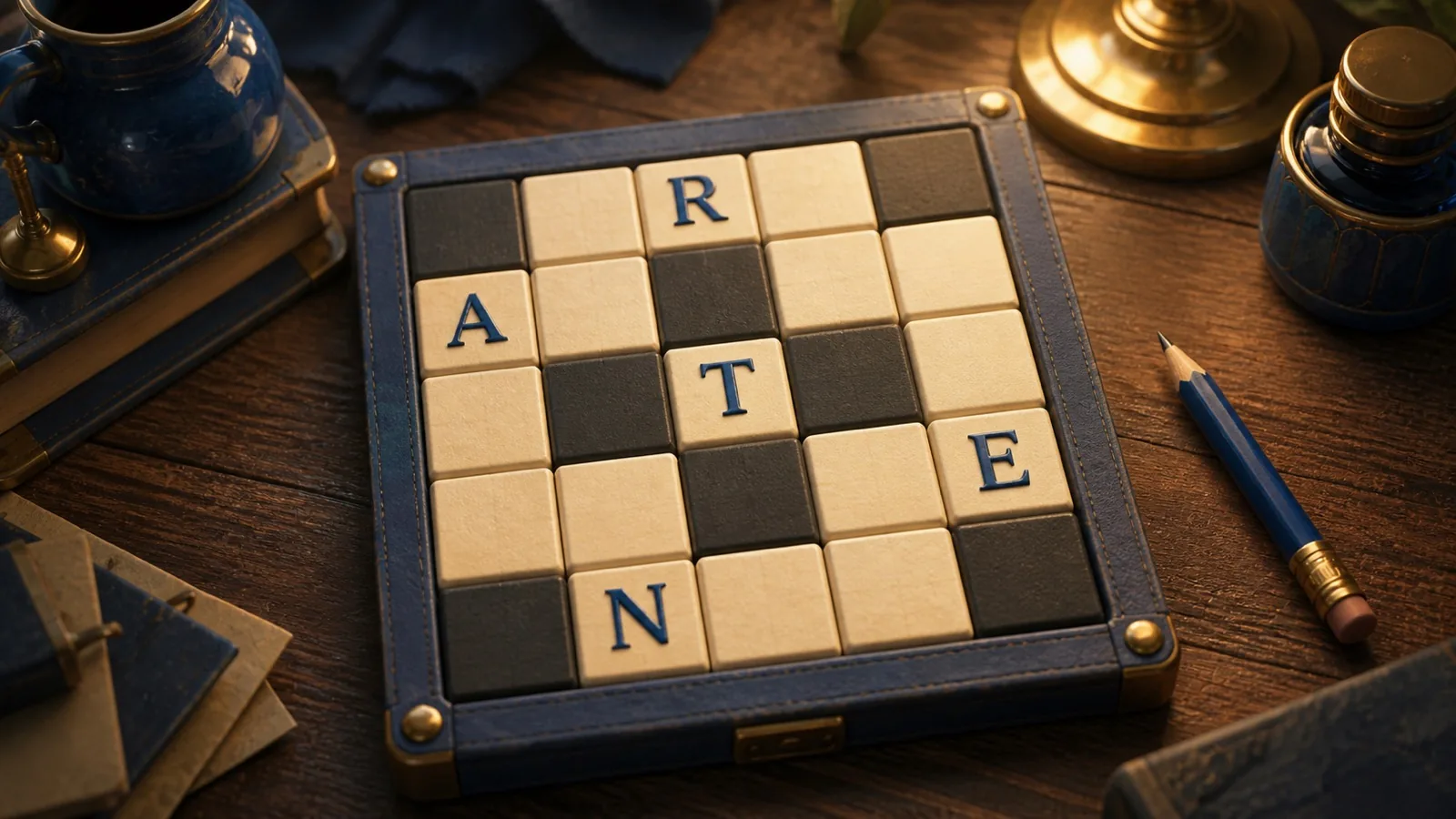
- Fill every white square in the 5 × 5 grid. Black squares separate answers. Across runs left to right; Down runs top to bottom. A crossing is one shared letter, so both clues must agree. Select a clue or square and type. Lowercase letters become uppercase; typing advances along the entry. The tutorial grid is separate from the 99 collection puzzles.
- How do I choose a direction?
- Choose Across, Down or a clue. Arrow keys move and set direction. Enter or Space switches direction at the selected square. On touch, tapping a letter square opens the keyboard. Lesson typing begins at the requested square, including the blank below a supplied crossing letter.
- How do I correct an answer?
- Type to replace a letter. Backspace clears the current square; if it is empty, Backspace moves to and clears the previous square in the active entry. Only letters are accepted, one per square. Mistakes do not end the puzzle.
- What does Check do?
- Check Square or Check Word marks letters that disagree with the answer and reports empty squares. It does not fill letters. Checks count as assistance, and marked letters can be edited.
- What does Reveal do?
- Reveal Square or Reveal Word fills the correct letters after confirmation and marks those cells as revealed. A completed puzzle with revealed cells is assisted. Revealing the final missing letters can complete a normal puzzle.
- What does Curio’s normal Hint show?
- Hint starts with the selected answer’s length and a crossing to try. More help offers two authored hints, then a letter, then the answer. No letters are entered automatically. Lesson hints explain the current task.
- How do puzzles and difficulties work?
- Previous Puzzle and Next Puzzle browse the selected collection and preserve entries: 35 Easy puzzles use familiar words, 48 Standard puzzles include less-familiar vocabulary, and 16 Challenge puzzles use indirect clues and wordplay. All three offer Check, Reveal and Hint. Changing difficulty preserves all three pools. Restart Puzzle clears only the current puzzle. Exact portal challenges fix their puzzle and assistance rules. Practice uses a separate grid.
- When is a puzzle complete?
- Every open square must match its answer. There is no point total or time limit. Normal records include elapsed solving time and revealed cells; time stops while paused, hidden or complete. Tutorial answers and time never enter normal records.
Controls & accessibility
Reading is part of play · Best on phone, tablet, computer, TV
KeyboardReady to use
MouseReady to use
TouchWhen available
ControllerGamepad ready
Fullscreen: Supported
Accessibility
Features available in this game
Screen readerNot available
High contrastAvailable
Reduced motionAvailable
CaptionsNot needed for game sounds
- Reviewed for keyboard names, larger text, contrast, motion, and non-audio instructions.
About
Account saving: Cloud unavailable.
- Version
- 0.3.9
- Developer
- YoolVi Play
- Content rating
- Everyone