

All games
Minesweeper
Follow the numbers and uncover safe squares while avoiding hidden mines. Your first move is always safe.
10 min · Variable
Start a solo game. You can review the controls before your first move.
Guides & strategy
Worked examples and ideas to try in your next game.
How to play
Goal
Reveal every safe square without opening a mine.
- How do I win?
- Reveal every non-mine square. Revealing a mine loses and exposes unflagged mines; a finished board accepts no further reveals or flags. Flags are optional and flagging all mines alone does not win.
- Is the opening safe?
- The first reveal places mines away from the chosen square and its neighbors. Board number and opening square reproduce the placement. A zero opens its connected empty region and numbered border automatically.
- What does a number tell me?
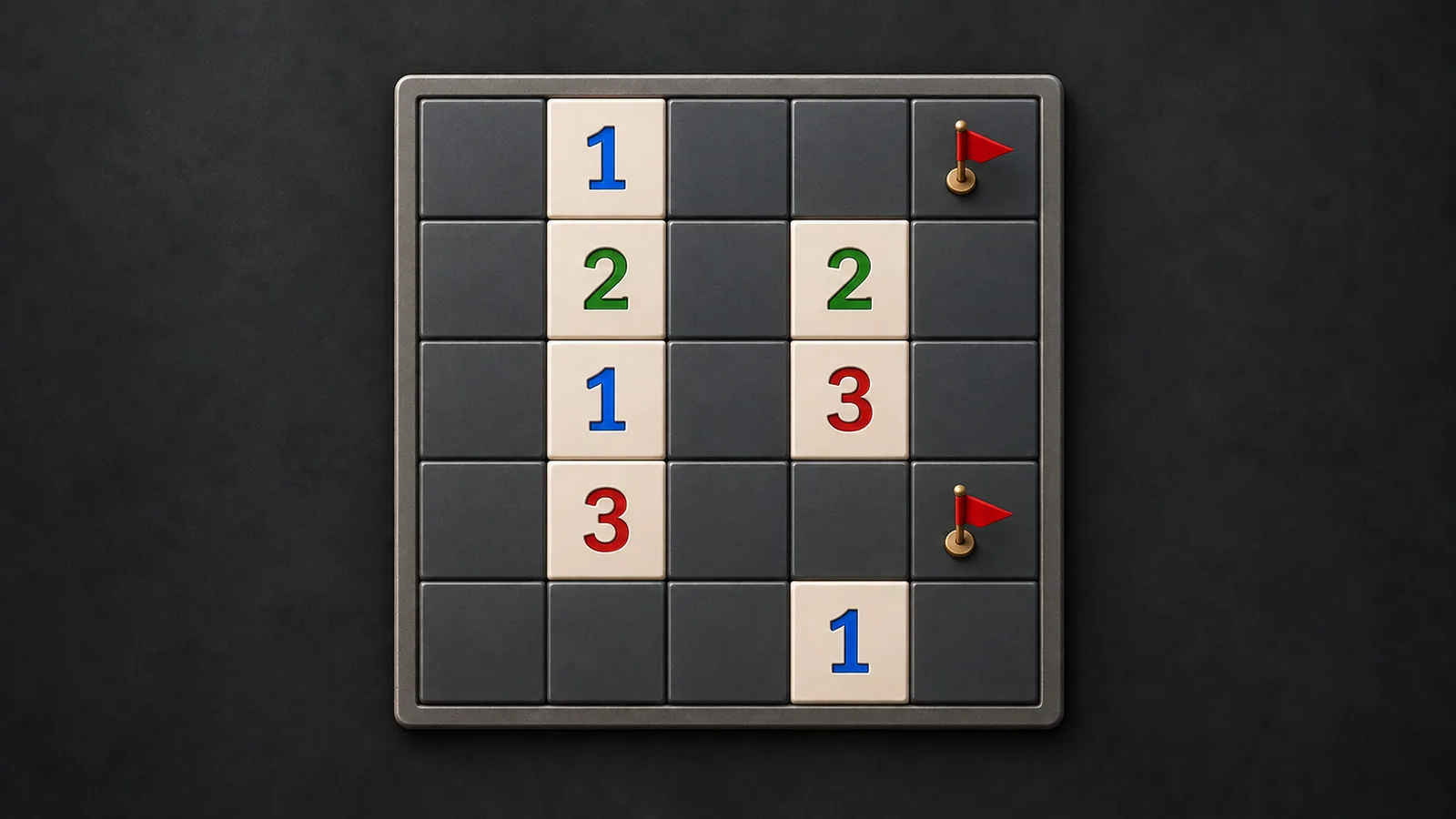
- A number counts mines among the square’s touching neighbors, including diagonals. Edge and corner squares have fewer neighbors. Compare visible clues before deciding which covered neighbor is a mine.
- How do reveal and flag controls work?
- Click or Enter reveals a square. Right-click or F toggles a flag; arrows or WASD move focus. Lesson touch controls select Reveal or Flag before tapping. A flagged square cannot be revealed, and revealed squares cannot be flagged. A flag reduces the remaining-mine counter but is not proof; incorrect flags are allowed, and the counter can go below zero.
- What is a chord?
- C on a revealed number, or the lesson Chord mode, reveals its unflagged neighbors when its touching flag count equals the clue. The engine checks the count, not whether the flags are correct. A misplaced flag can expose a mine. A zero, covered square or mismatched count does nothing.
- Can I undo or ask for help?
- Undo and Redo restore reveals, flags, chords, counters and even endings. Normal hints infer safe reveals or forced flags from visible numbers, overlapping clues and consistent frontier arrangements. They assume existing flags are correct and report when no safe deduction is available.
- What changes on larger boards?
- Beginner has 9 by 9 squares and 10 mines; Intermediate has 16 by 16 and 40; Expert has 16 by 30 and 99. Reveal, flag, chord and ending rules stay the same. Scroll inside a larger board on small screens. Revealing all safe squares wins without flags.
- What do restart and records do?
- Restart returns to the same numbered board before mine placement; the same first reveal reproduces its mines. New Board chooses another number. Normal records track time and wins by difficulty; hidden or paused play stops the timer. Practice resets on leaving and changes no saved game or normal record.
Controls & accessibility
No reading needed · Best on phone, tablet, computer, TV
KeyboardReady to use
MouseReady to use
TouchWhen available
ControllerGamepad ready
Fullscreen: Supported
Accessibility
Features available in this game
Screen readerNot available
High contrastAvailable
Reduced motionAvailable
CaptionsNot needed for game sounds
- Reviewed for keyboard names, larger text, contrast, motion, and non-audio instructions.
About
Account saving: Cloud unavailable.
- Version
- 0.1.70
- Developer
- YoolVi Play
- Content rating
- Everyone