

All games
Math Pop Fiesta
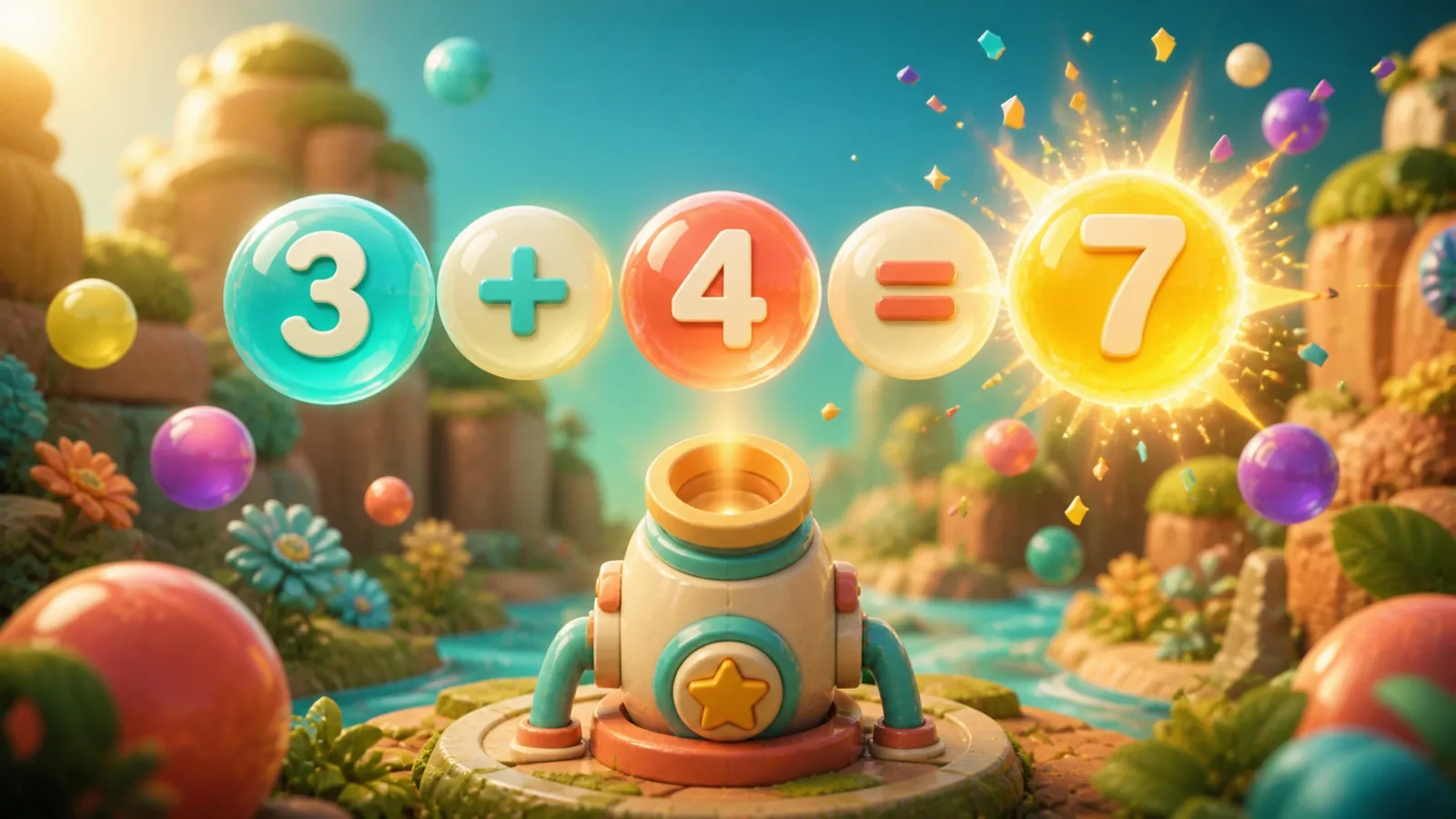
Build expressions and true equations across the complete 100-level Math Pop campaign from Maker Fiesta.
10 min · Variable
Start a solo game. You can review the controls before your first move.
Guides & strategy
Worked examples and ideas to try in your next game.
How to play
Goal
Meet the level objective by tracing valid connected mathematical expressions.
- How do I enter an equation?
- In Equations, connect a true equation with exactly one equals sign. Both sides must evaluate equally; an example solution is not required. Drag touching tiles and release to submit. Enter or Space starts/submits; arrows extend, Q/E/Z/C move diagonally, Escape cancels and one-step backtracking shortens the chain. Use each tile at most once, with no jumps.
- Which arithmetic is supported?
- Adjacent digits form multi-digit numbers. Addition, subtraction, multiplication and division use ordinary precedence, then left-to-right order within each group. There are no parentheses tiles. Negative results and equal fractions are accepted; division by zero is rejected. False or invalid equations spend no move and earn no points. Generated boards add subtraction at level 6, multiplication at 16 and division at 26 after starting with addition.
- How is Expressions different?
- The Expressions option asks you to reach any of the displayed target numbers with an expression of at least three tiles and no equals sign. Equations requires a full true equation. A true equation with an equals sign is still invalid in Expressions. The starter briefly changes to Expressions, then announces the return to Equations.
- What earns points and completes objectives?
- An accepted path scores (length − 1) × (length − 2) × 10: three tiles earn 20, five earn 120 and seven earn 300. Each level defines star thresholds and its required count. Objectives include score, selected-symbol collection, blocks, cages, ingredients and bombs. Non-score objectives also require at least one star. A clear removes one block layer for 100 points; cage damage equals path length and breaking it adds 100. Caged symbols remain usable.
- How do obstacles, ingredients and bombs work?
- Each orthogonally adjacent cleared tile removes one obstacle hit point for 100 points; diagonal contact alone does not. Growing obstacles have a 20% chance per accepted turn to spread to a free neighbor, including diagonals. Missing squares and permanent blockers cannot be selected or refilled. Ingredients cannot supply symbols; clear below them to drop them out and meet their targets. Countdown bombs supply symbols; clear them before accepted turns reduce their timer to zero or the unfinished level is lost.
- What happens when tiles refill or I shuffle?
- Gravity refills available slots. There are no stripes or automatic equation cascades. With no valid equation remaining, the engine shuffles automatically. Manual Shuffle outside Challenge spends no moves or score and keeps problems and objective progress, but respawns remaining bombs with the full level timer. Normal Hint finds a valid path without entering it.
- How do time and moves work?
- Each accepted equation spends one move; invalid or canceled paths spend none. Timed levels spend seconds instead and normal Pause stops their clock. An unmet objective when time or moves reach zero loses. Meeting it on the last move or with time remaining wins immediately. Practice background time stays frozen.
- What changes with difficulty?
- Both game modes offer Relaxed, Standard and Challenge. Relaxed multiplies the base budget by 2.75, rounded down; Standard doubles it and Challenge keeps the base budget. A base of ten becomes 27, 20 or 10. Challenge disables normal Hint and manual Shuffle. Arithmetic and objective rules stay the same; lesson hints remain available.
- How do normal wins and saves work?
- Wins add 100 points for each of up to eight remaining moves, or 300 on timed levels. Final stars use boosted score. Each mode has a separate 100-level campaign with unlocks and records by difficulty. A saved board can resume. There is no Undo; Restart replaces the level board. Practice changes no campaign, save or record.
Controls & accessibility
No reading needed · Best on phone, tablet, computer, TV
KeyboardReady to use
MouseReady to use
TouchWhen available
ControllerGamepad ready
Fullscreen: Supported
Accessibility
Features available in this game
Screen readerNot available
High contrastAvailable
Reduced motionAvailable
CaptionsNot needed for game sounds
- Reviewed for keyboard names, larger text, contrast, motion, and non-audio instructions.
About
Account saving: Cloud unavailable.
- Version
- 7.0.71
- Developer
- YoolVi Play
- Content rating
- Everyone