

All games
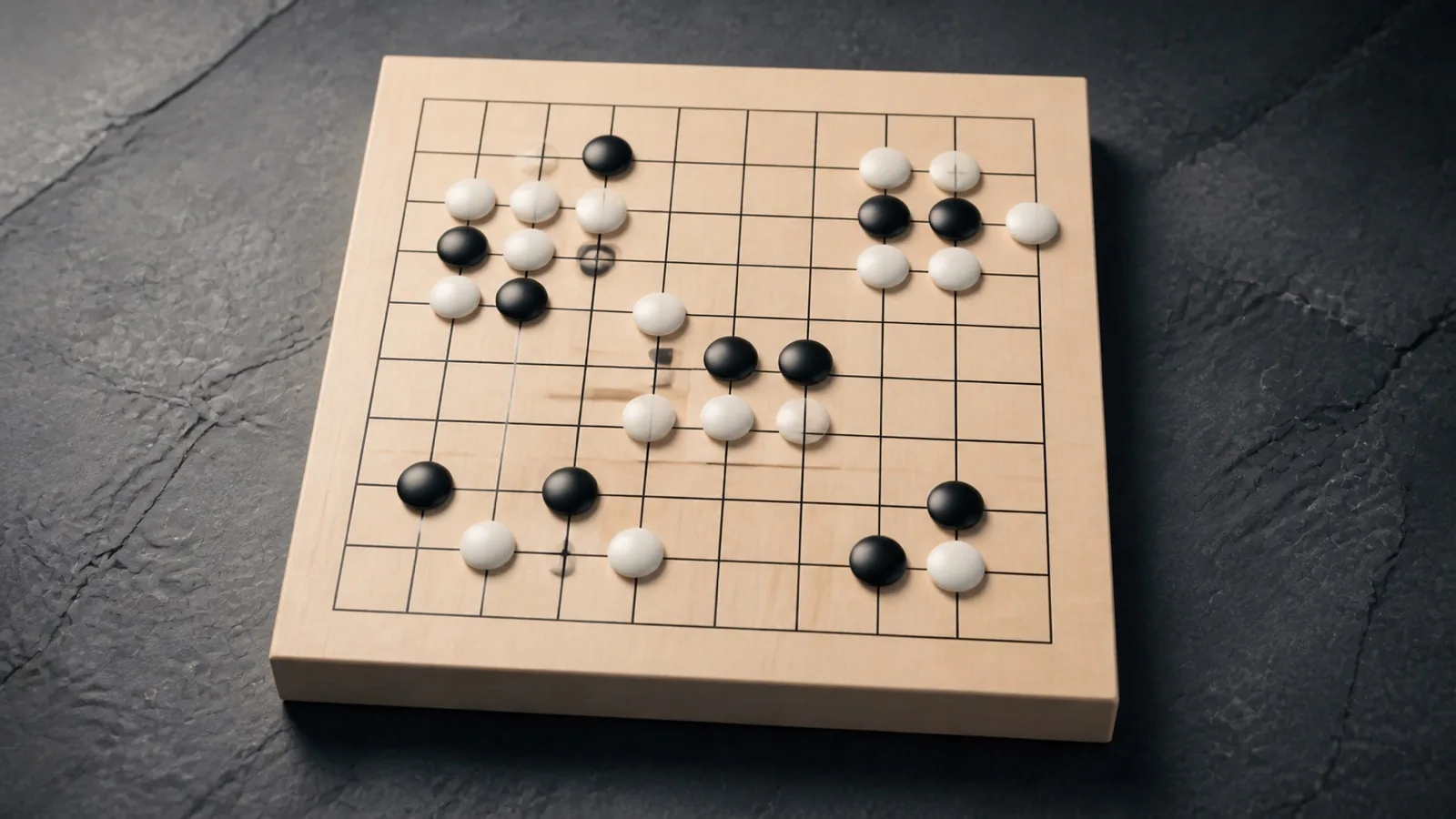
Go 9×9
Surround territory, capture groups, and discover the depth of Go on a compact board.
15 min · Hard
Choose how to play
Choose the computer or take turns with another player on this device.
First player uses Black. Second player uses White.
How to play
Goal
Control more board area than your opponent after both players pass.
- How do stones and groups work?
- Black starts on the 9 by 9 board; players alternate placing on empty intersections. Click, tap, or use arrows and Enter. Empty neighbors immediately above, below, left and right are liberties. Same-color stones touching along these lines form a group sharing its liberties; diagonals do not connect.
- How do I capture or save a group?
- Filling the last liberty removes an entire opposing group. Extending a threatened group can give it more liberties. A placement leaving its own group without liberties is illegal, unless capturing opposing stones opens liberties for it.
- Can an earlier position repeat?
- This implementation rejects any placement recreating an earlier whole-board position, regardless of the player to move. This positional superko rule is stronger than merely prohibiting immediate recapture.
- How does this version score and end?
- Either player may pass. Two consecutive passes end play; a placement resets that count. Area scoring counts stones on the board plus empty regions bordered only by that color. Regions touching both colors are neutral. Capture counters are not added. White receives 7.5 komi; the higher total wins. There is no separate dead-stone agreement phase, so settle captures before passing.
- What changes with difficulty?
- Play the computer or share one device. Difficulty changes computer choices and assistance, not liberties or scoring. Undo and normal hints depend on difficulty. Curio’s practice positions wait for your actions.
Controls & accessibility
Some reading · Best on phone, tablet, computer, TV
KeyboardReady to use
MouseReady to use
TouchWhen available
ControllerGamepad ready
Fullscreen: Supported
Accessibility
Features available in this game
Screen readerNot available
High contrastAvailable
Reduced motionAvailable
CaptionsNot needed for game sounds
- Reviewed for keyboard names, larger text, contrast, motion, and non-audio instructions.
About
Account saving: Cloud unavailable.
- Version
- 0.1.66
- Developer
- YoolVi Play
- Content rating
- Everyone