

All games
Four in a Row
Read the threat, use gravity, and connect four gold or coral tokens before your opponent.
6 min · Easy
Choose how to play
Choose the computer or take turns with another player on this device.
First player uses Gold. Second player uses Coral.
How to play
Goal
Connect four of your discs horizontally, vertically, or diagonally before your opponent.
- Choose a column
- Gold starts. Choose a column with click, touch, or Tab and Enter. Your disc falls to the lowest empty space; then Coral plays. The board has seven columns and six rows.
- Drop a disc
- Practice example: Drop a Gold disc into column 4. The disc fell to the bottom of the empty column. You choose its column, not its row.
- Full columns cannot accept discs
- Each column holds six discs. Once full, it cannot accept another. Discs stay in place for the rest of the match; this version has no pop-out move.
- Connect horizontally
- Practice example: Complete the Gold line along the bottom row. The new disc joined three Gold discs to make four adjacent discs in one horizontal line.
- Connect vertically
- Practice example: Complete the Gold stack in column 1. The fourth Gold disc landed directly above three others, completing a vertical line.
- Connect diagonally
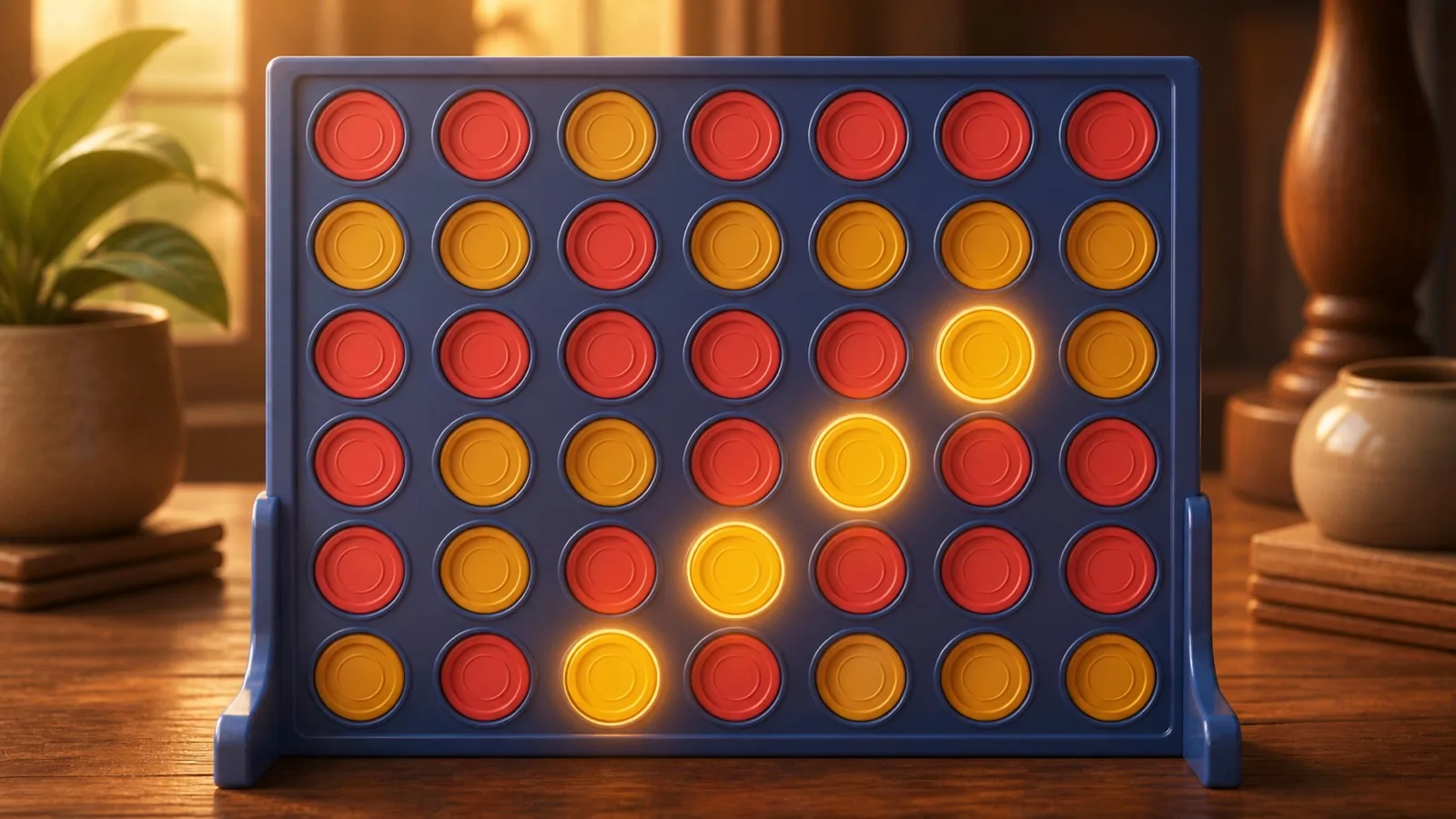
- Practice example: Complete the Gold diagonal rising to the right. Discs beneath the target square supported your move, letting it complete the diagonal.
- Stop an immediate threat
- Practice example: Coral has three connected discs along the bottom. Block the open end. Your disc occupied the empty space Coral needed for a fourth connected disc.
- Four ends the match
- Any horizontal, vertical or diagonal run of at least four wins immediately. A full board without a line is a draw. There is no separate points total or rule-changing variant.
- Choose a normal opponent
- Normal play offers a computer opponent or two people sharing the board. Difficulty changes the computer’s decisions while gravity and the winning lines remain the same.
Controls & accessibility
Some reading · Best on phone, tablet, computer, TV
KeyboardReady to use
MouseReady to use
TouchWhen available
ControllerGamepad ready
Fullscreen: Supported
Accessibility
Features available in this game
Screen readerNot available
High contrastAvailable
Reduced motionAvailable
CaptionsNot needed for game sounds
- Reviewed for keyboard names, larger text, contrast, motion, and non-audio instructions.
About
Account saving: Cloud unavailable.
- Version
- 0.1.67
- Developer
- YoolVi Play
- Content rating
- Everyone