

All games
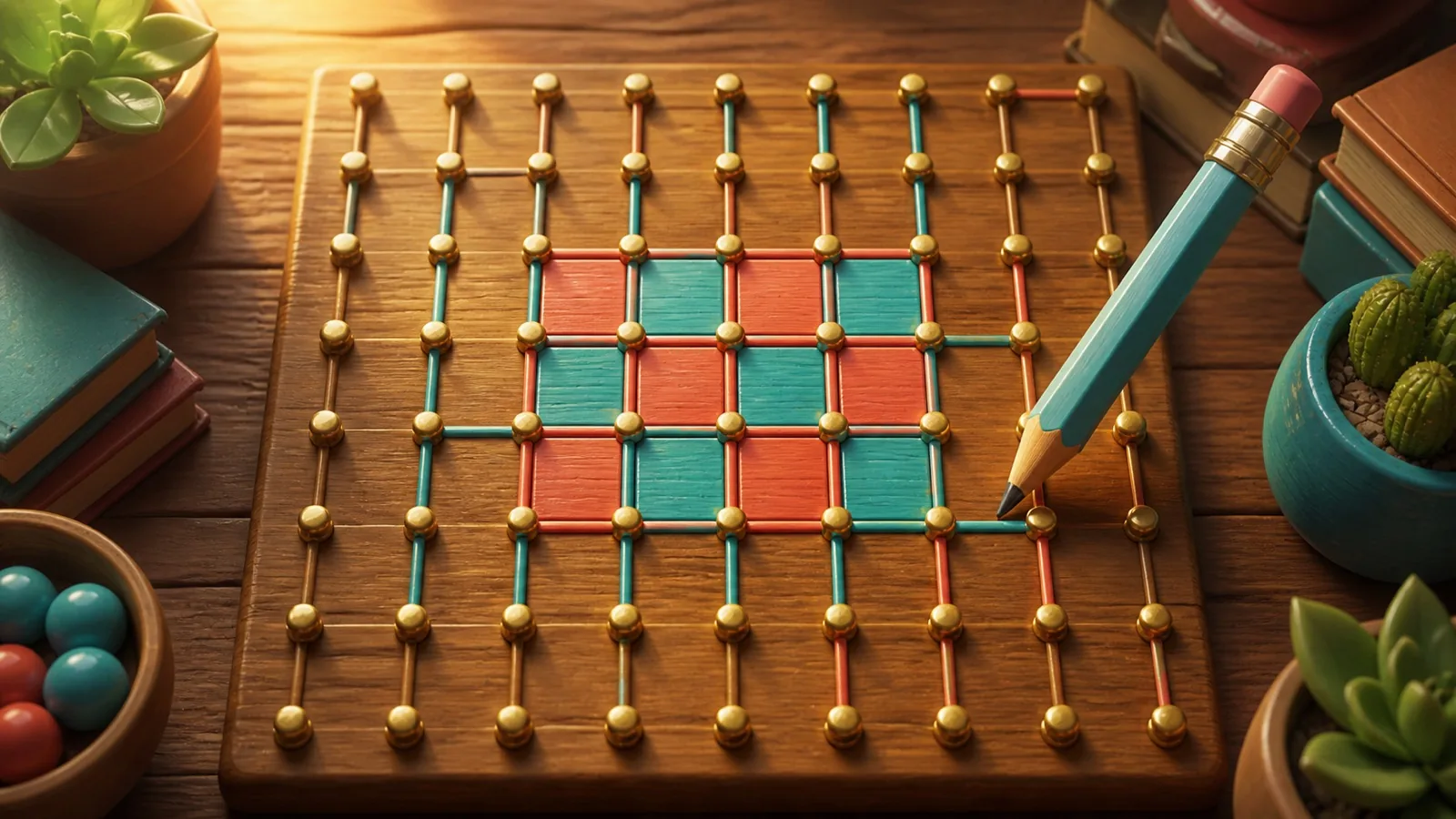
Dots and Boxes
Draw lines, complete squares, and turn a simple grid into a sharp five-minute duel.
5 min · Easy
Choose how to play
Choose the computer or take turns with another player on this device.
The game names the first player and each next turn before play begins.
How to play
Goal
Claim more completed boxes than your opponent.
- Draw between neighboring dots
- Choose an undrawn horizontal or vertical edge between two neighboring dots. Click, tap, or focus it with Tab and press Enter. Player 1 starts on a grid containing 25 boxes.
- Draw your first edge
- Practice example: Draw the horizontal edge between the first two dots at the upper left. You added one edge without closing a box, so the turn passed to the other player.
- Close a box
- Practice example: Draw the missing right edge of the top-left box. Your edge completed all four sides. You claimed the box for one point and kept the turn.
- Use the extra turn
- Practice example: Complete the first two boxes in the top row, from left to right. Each completed box gave you another turn, allowing you to collect both boxes consecutively.
- One edge can close two boxes
- An edge shared by two boxes can complete both at once. You receive two points and keep your turn, just as when claiming one box.
- Avoid offering a box
- Practice example: Choose the top edge of the third box, leaving the top-left box without a third side. The distant edge did not create an easy fourth side for the next player.
- Collect a chain
- Practice example: Claim the first three top-row boxes from left to right. Each fourth side preserved your turn, so you collected all three connected opportunities.
- Count boxes at the end
- Play ends when every edge is drawn. The larger box total wins. This shipped 5-by-5 box board has 25 boxes, so a completed legal game cannot tie. The engine also handles equal totals as a draw.
- The same rules in every mode
- Normal play supports a computer opponent or two people sharing the board. Difficulty changes the computer’s choices, not points or extra turns. The board size is fixed.
Controls & accessibility
Some reading · Best on phone, tablet, computer, TV
KeyboardReady to use
MouseReady to use
TouchWhen available
ControllerGamepad ready
Fullscreen: Supported
Accessibility
Features available in this game
Screen readerNot available
High contrastAvailable
Reduced motionAvailable
CaptionsNot needed for game sounds
- Reviewed for keyboard names, larger text, contrast, motion, and non-audio instructions.
About
Account saving: Cloud unavailable.
- Version
- 0.1.67
- Developer
- YoolVi Play
- Content rating
- Everyone